Blog Guide
Bad website chatbots: a nuisance or a business risk?
A badly built chatbot annoys customers, costs you sales and can become a legal liability. 8 warning signs, 7 risks and 5 steps to get it right.
A chatbot added in a hurry can drive customers away from your website. At worst, it becomes a serious business risk.
Chatbots have quickly become a standard part of company websites. Companies see them as a smart addition to customer service, or even a replacement for it.
Customers often see them differently. Say someone has a real problem and can’t find the answer on your website.
To them, a bad chatbot is a many-headed monster. It takes cunning and the right keywords to get past its canned replies to a real person.
By then, they’re far angrier than when they started.
A bad bot isn’t just useless or irritating. It can also put your business at risk.
Your company is responsible for what its chatbot says
Air Canada lost a legal case over its website chatbot. The bot gave a passenger wrong information, and the passenger lost out.

The airline even argued that the chatbot was a separate legal entity, responsible for its own actions.
A Canadian tribunal rejected that argument. It found that the airline was responsible for all the information on its website, chatbot answers included.
As in any new field, best practice and case law are still taking shape. But even today, a chatbot isn’t just a fun gadget to drop onto your site.
It’s in your interest, and it’s your duty, to make sure it actually helps.
8 signs of a bad chatbot
Watch out for these warning signs:
- It doesn’t understand even the most common questions.
- It gives wrong answers.
- Its answers are useless or very limited.
- The customer can’t reach a support agent without first going through a fixed set of steps.
- The customer can get stuck in a loop.
- It can’t take earlier messages in the conversation into account.
- Your support team can’t see the conversation between the customer and the bot.
- It has technical glitches, for example ones that force the customer to start over.
7 ways a bad chatbot hurts your business
- The customer gets no help. Nobody chats with a bot out of boredom. If it can’t answer their real question, they may simply leave.
- The customer gets angry. They may abandon the purchase and never come back. The stronger their feelings, the more likely they’ll tell others.
- The customer gets bad or even harmful advice. As the Air Canada case shows, your company can be held responsible for it.
- Your team gets more work, not less. A bot that adds to the confusion leaves your support agents to sort it out.
- Customer data is at risk. If the bot stores data insecurely, it can leak and hurt both the customer and your company.
- Your reputation is damaged, or even ruined. A clumsy or faulty chatbot doesn’t inspire trust. It reflects badly on your whole company.
- You lose sales. A poor experience and unhappy customers show up in your sales figures.
What a good chatbot does
With today’s generative AI, a chatbot can take a lot of work off your support team.
A good bot gets customers to the right answer fast. It supports sales and builds trust in your company.
When it doesn’t know the answer, it passes the question straight to the right person on your team.
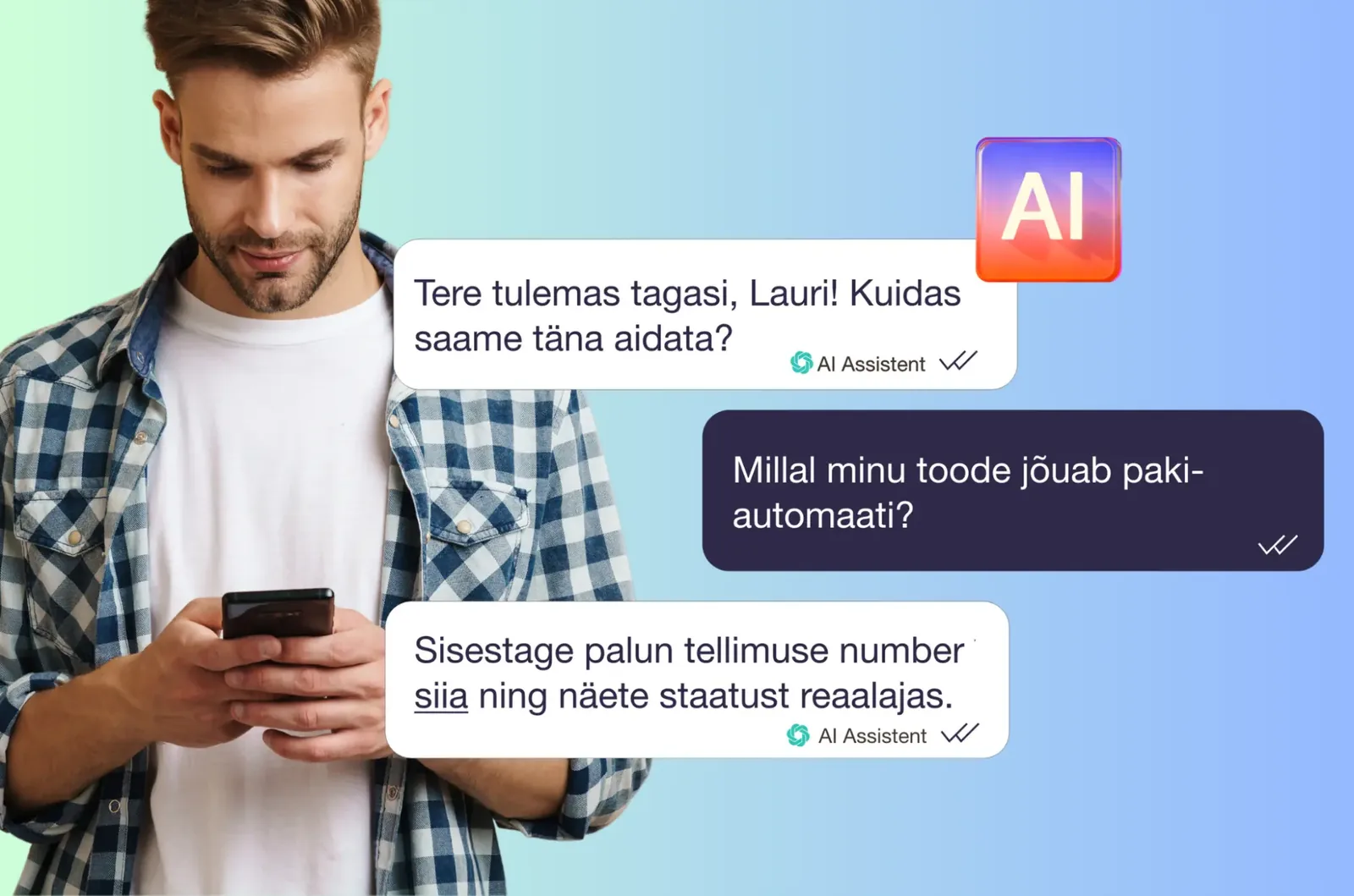
So how do you get there? Follow these 5 steps.
Steps 1 to 3: plan before you build
1. Start by analyzing your needs
Don’t rush in. Look at the questions customers have already sent you, and work out their main problems and needs.
Topics that keep coming up show how much value a chatbot can create for you and your customers. Group them into categories, such as:
- product recommendations
- gift cards
- returns
- delivery times
- B2B sales
- consumer sales
2. Choose your bot carefully
Not all bots are equal, and an untested one does more harm than good.
If nobody on your team has built a chatbot before, beware of offers that sound too good to be true.
Some promise an effective bot from just a URL or a document, with nothing to review or test.
Choose a provider that develops, trains and carefully tests your chatbot. Look at bots it has already built, and ask how it makes sure customers have a good experience.
3. Think through the user experience
A chatbot should be multilingual and easy to use.
Most old-school chatbots just look for matching words or phrases. Given how far AI has come, that approach is long out of date.
Steps 4 and 5: train it, then keep improving
4. Make sure the bot is well trained
Training the bot means:
- giving it the information it needs
- testing it
- keeping that information up to date
It’s a big job that takes experience. Don’t just add it to some lucky colleague’s to-do list.
Otherwise you could end up with months of work, a bad chatbot and a real business risk anyway.
5. Keep reviewing and improving
Don’t forget about the bot once it’s on your site. Product information, prices and processes can change.
Just as you train and coach your support agents, keep tracking your chatbot’s results:
- read its answers at least once a week
- analyze them
- collect user feedback
Where Askly fits
Askly’s AI agent answers web chat, Facebook Messenger, Instagram DMs and email from one knowledge base.
Building and reviewing that knowledge base takes about an afternoon. Askly can also set it up for you.
- Clear labels. AI answers are labeled as AI.
- 3 modes. Fully AI, AI + team, or fully human. In AI + team mode, a person takes over mid-chat with the full context.
- Your customers’ languages. Askly detects the language automatically, and 30+ languages work instantly.
Better no chatbot than a bad one
If you don’t have time to do it well, think hard before adding a chatbot at all.
Many consumers distrust chatbots, and for good reason. Don’t be the company that makes that distrust worse.